Shape Studio
Shape Studio
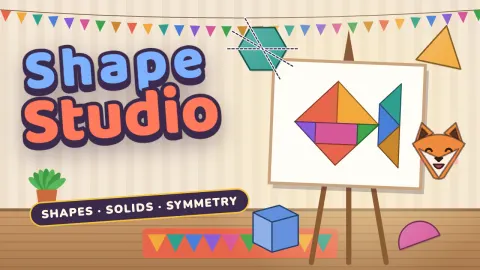
Shape Studio is a geometry game for children, free in your browser on computer and phone. You run a cosy art studio, and animal clients such as Pip the fox and Olive the owl order pictures. Every commission is a short set of tasks on one skill, and as you get them right the client's picture fills in piece by piece until it is ready to hang.
The studio follows a skill path of 32 commissions, four for each of eight skills: naming shapes and counting sides and corners, sorting shapes by their properties, lines of symmetry and mirror pictures, 3D solids with their faces, edges, vertices and nets, perimeter, area, angles and turns, and filling an outline with tangram-like pieces. Tasks range from tapping the right shape or colouring squares across a mirror line to typing a measurement in cm or m² and dragging pieces into place.
Mistakes are treated kindly: a short hint explains what to look at, and Show me numbers the sides, counts the squares, draws the lines of symmetry or places a piece. Learn cards explain every skill with pictures, Practice is endless and calm, the Daily Sketch gives everyone the same eight tasks each day, and the Shape Sandbox lets children make any picture they like. It suits children from about 6 to 11.
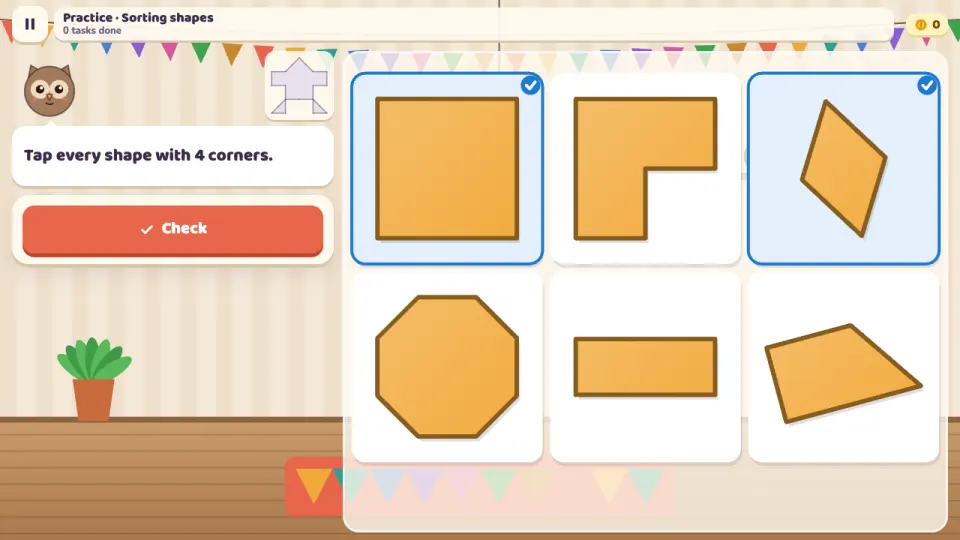
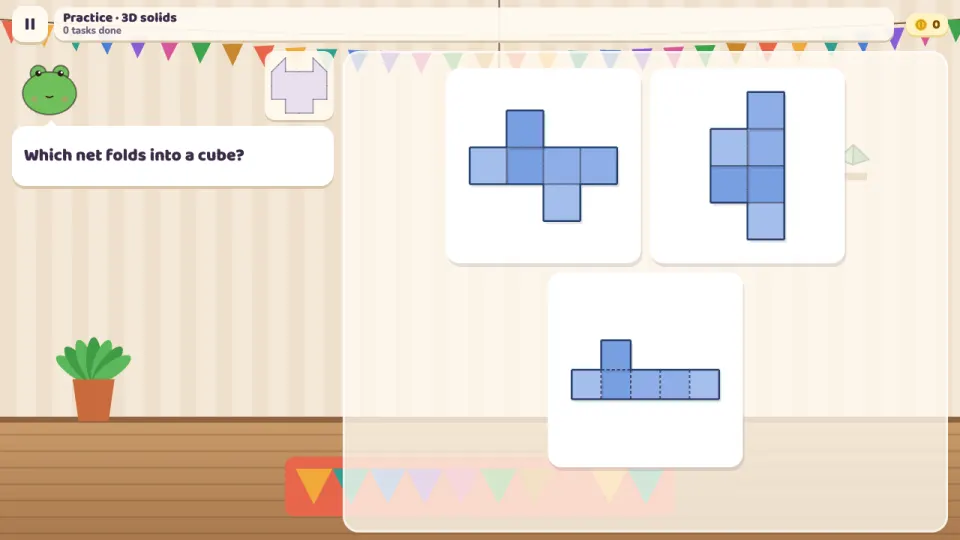
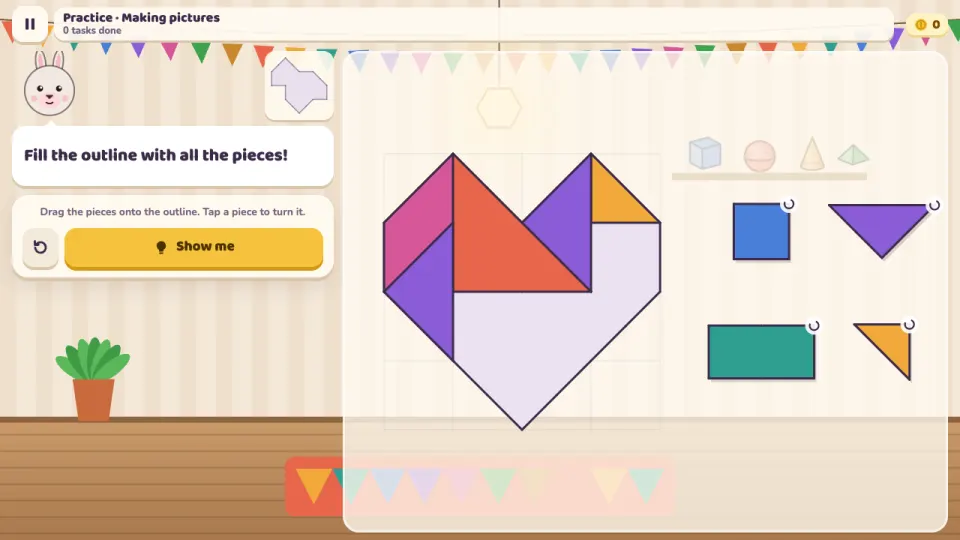
How to play Shape Studio
- Press Open the studio to start the next commission. A skill's first commission opens with its Learn cards.
- Read the client's question at the top, then look closely at the drawing board.
- Answer by tapping an option, tapping every shape or line that fits, colouring squares or typing a number on the pad.
- For pictures, drag the pieces into the outline and tap a piece in the tray to turn it.
- If an answer is not right yet, read the hint and try again, or press Show me to see the way.
- Get every task right the first time for 3 stars. A star opens the next commission, and coins buy decor for your studio.
Controls
- Computer
- Click answers, shapes, lines and squares. Drag pieces into the outline and click a piece to turn it. Type numbers with the keyboard, Backspace deletes and Enter checks; keys 1 to 4 pick an answer. Esc pauses and M turns the sound on or off.
- Phone and tablet
- Tap answers, shapes, lines and squares, and slide a finger to colour several squares. Drag pieces into the outline and tap a piece to turn it. Use the big number pad for measurements. Works in portrait and landscape.
Features
- 32 commissions on a skill path of eight geometry skills, from naming shapes to composing pictures
- 2D shapes from triangles to octagons, rhombuses, parallelograms and trapeziums, sorted by sides, corners, right angles, parallel sides and symmetry
- 3D solids with faces, edges and vertices, and nets to fold in your head, including all 11 nets of a cube
- Perimeter and area on squared paper, then by adding sides and multiplying length by width, in cm and m²
- Acute, right and obtuse angles, quarter and half turns clockwise and anticlockwise
- Hints after a mistake, Show me for every task and Learn cards with pictures for every skill
- Practice for every skill, a Daily Sketch that is the same for everyone each day, and a free Shape Sandbox with a gallery
- Playable in seven languages, with the school words for shapes in each one
Tips
- To name a shape, count its sides first: 5 sides make a pentagon, 6 a hexagon and 8 an octagon.
- A rectangle has only 2 lines of symmetry. Its diagonals look tempting, but folding along them does not make the halves match.
- When counting the faces, edges or vertices of a solid, remember the hidden ones at the back, drawn with dashed lines.
- For perimeter, walk round the edge of the shape; for area, count the squares inside. Two half squares make one whole square.
- The length of an angle's lines does not change its size. Look at how wide it opens and compare it with the corner of a square.
- In picture puzzles, place the biggest pieces first and fit the corners of the outline early.
Shape Studio FAQ
Is Shape Studio free?
Yes. It is free to play in your browser, with no download and no ads in the game.
What age is Shape Studio for?
It is made for children from about 6 to 11 who are learning geometry, and it starts gently with circles, triangles, squares and rectangles.
Which geometry skills does it teach?
Naming 2D shapes and counting sides and corners, sorting shapes by their properties, lines of symmetry, 3D solids and their nets, perimeter, area, angles and turns, and composing shapes from pieces.
What happens if my child gets an answer wrong?
Nothing harsh: a short hint explains what to look at and they can try again. Show me shows the answer step by step, and a mistake only lowers the stars for that commission.
Does it work on a phone or tablet?
Yes. Everything works by touch, in portrait and landscape, as well as with a mouse and keyboard.
Can I play in another language?
Yes. The game is in English, Spanish, Portuguese, Russian, German, French and Turkish, with the shape names children learn at school in each language.
How do I keep my progress on another device?
Sign in with a free 2xGames account and your studio, stars, coins, decor and Daily Sketch streak are saved to your account and follow you to any device.
More games like this