Beat Hop
Beat Hop
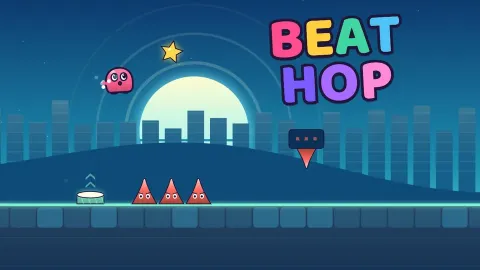
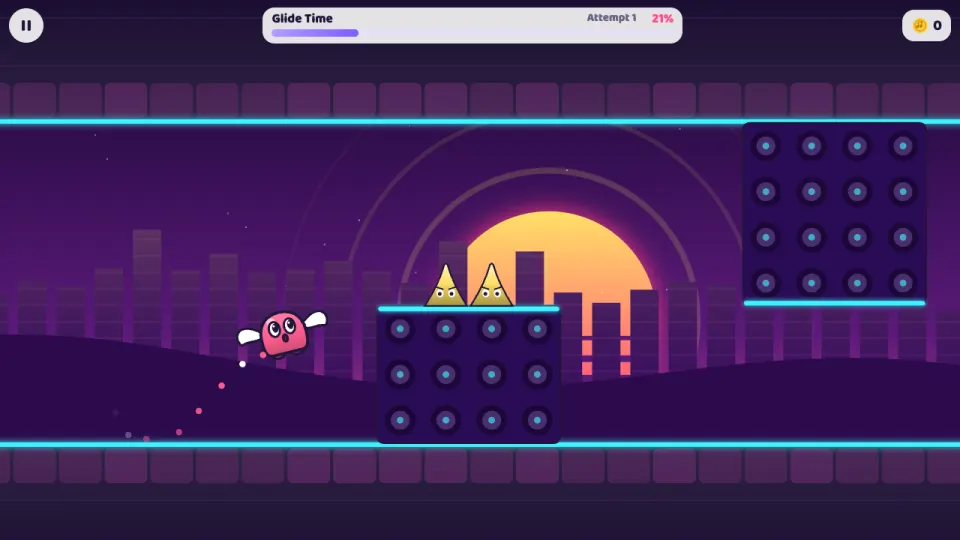
Beat Hop is a one-button rhythm runner, free in your browser on computer and phone. Hop, a jelly-bean blob with tap-dancing feet, runs right through courses built on the beat of their own songs. Every hop lasts exactly one beat, so if you jump with the music you clear the spikes. Touch a hazard and the attempt restarts straight away.
There are ten levels, from First Steps at 100 BPM to Final Drop at 150 BPM, each with its own colours and its own song, played live by a synthesizer in the game. New ideas arrive level by level: drum pads that bounce you high, rings that give you a second jump in the air, gravity portals that put you on the ceiling, glide portals and speed portals. A Daily Remix course is built fresh every day.
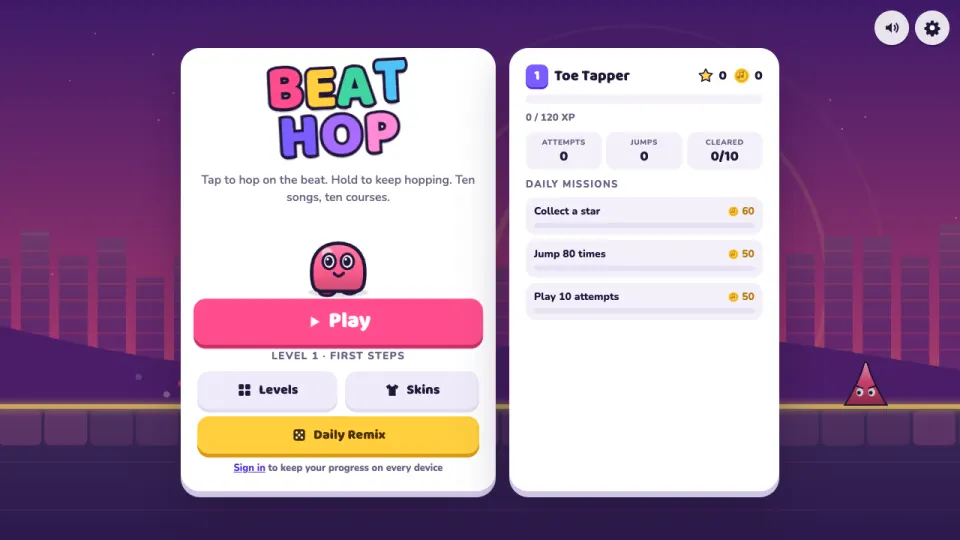
Coins for new progress, finishing and stars buy 13 skins and 9 trails for Hop, and some unlock with stars or player level instead. Three daily missions give extra coins, and practice mode with checkpoints helps you learn the hard parts.
How to play Beat Hop
- Press Play to start the next level, or open Levels to pick one you have unlocked or the Daily Remix.
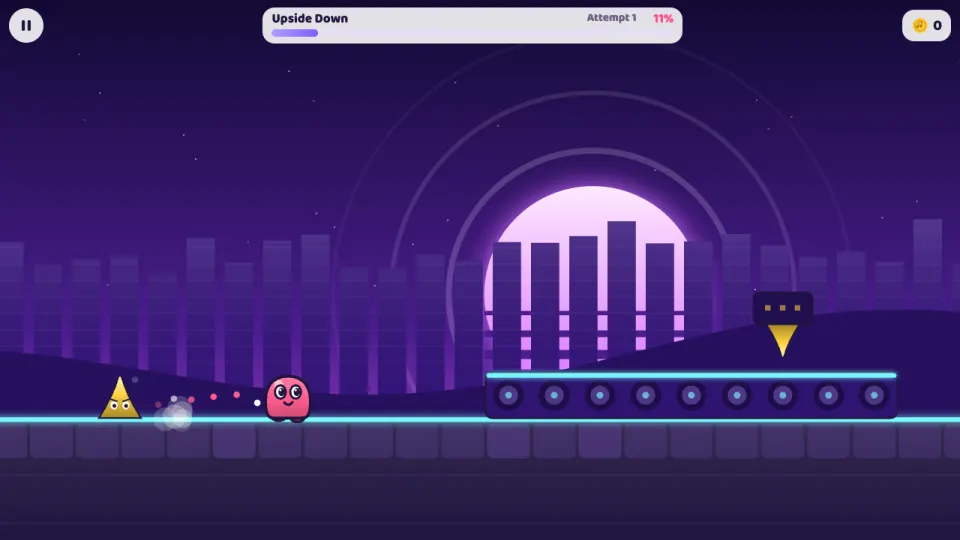
- Hop runs on his own. Tap, click or press Space to hop; each hop lasts one beat, so time your jumps to the music.
- Hold the button to keep hopping on every landing, and let go before a low roof or a spiked bar overhead.
- Use what each level adds: drum pads launch you, rings give a jump in mid-air, gravity portals flip you onto the ceiling, and in a glide you hold to rise and let go to sink.
- Reach the end without touching a spike or falling into a pit to finish the level and open the next one. Collect the three stars along the way for extra coins.
- Stuck on a section? Play the level in practice mode, which drops checkpoints as you go.
Controls
- Computer
- Click, or press Space, Up, W or Enter to hop. Hold to keep hopping, and hold to rise while gliding. Esc or P pauses, R restarts the level.
- Phone and tablet
- Tap anywhere to hop, and keep your finger down to keep hopping or to rise in a glide. The pause button is in the top corner.
Features
- Ten levels from 100 to 150 BPM, rated from Easy to Insane, each with its own song and colours
- Music made live in your browser: drums, bass, chords and a lead, with the backdrop, floor and spikes pulsing on the beat
- Drum pads, air rings, gravity flips, glide sections and speed portals
- A new Daily Remix course every day
- Practice mode with checkpoints, and your best percentage saved for every level
- Three stars per level, 13 skins and 9 trails to unlock with coins, stars or player level
- Player levels from XP and three daily missions with coin rewards
- An audio offset setting in case your sound is a little late, for example on Bluetooth headphones
Tips
- Listen rather than watch: obstacles sit on the beat grid of the song, so a spike half a beat away is cleared by hopping on the beat before it.
- Holding the button is not a cheat code. Every level mixes jumps with low roofs and spiked bars overhead, so you have to let go at the right moments.
- Stars float just above the top of a hop made on the beat. If you keep missing one, your jump is a little early or late.
- If your jumps feel late even when you hit the beat, move the offset slider in Settings to match your speakers or headphones.
- Practice runs pay no coins, but finishing a level in practice still opens the next one, and it counts for the practice daily mission.
- Coins come from new ground, so pushing your best percentage a little further each attempt pays even before you finish a level.
Beat Hop FAQ
Is Beat Hop free?
Yes. All ten levels, the Daily Remix and every skin you can earn are free to play in your browser, with nothing to download.
How do you play Beat Hop?
Hop runs to the right on his own and you only press one button to jump. Each jump lasts one beat of the song, so hopping in time with the music clears the obstacles.
How many levels are there?
Ten, from First Steps at 100 BPM to Final Drop at 150 BPM, plus a Daily Remix course that changes every day. Finishing a level opens the next one.
What is practice mode?
Practice mode drops checkpoints as you go, so a crash sends you back only a little way. Start it from the flag button on a level in Levels, or from the pause menu.
Does Beat Hop work on my phone?
Yes. It runs in the browser on phones and tablets, and you tap anywhere on the screen to hop.
Do I need sound to play?
Sound helps a lot, because the obstacles follow the beat, but the game also runs with sound off.
How do I keep my progress on another device?
Sign in with a free 2xGames account. Your levels, stars, coins and skins are then saved to your account and follow you to every device.