Fruit Merge
Fruit Merge
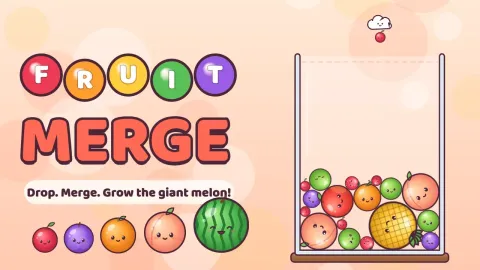
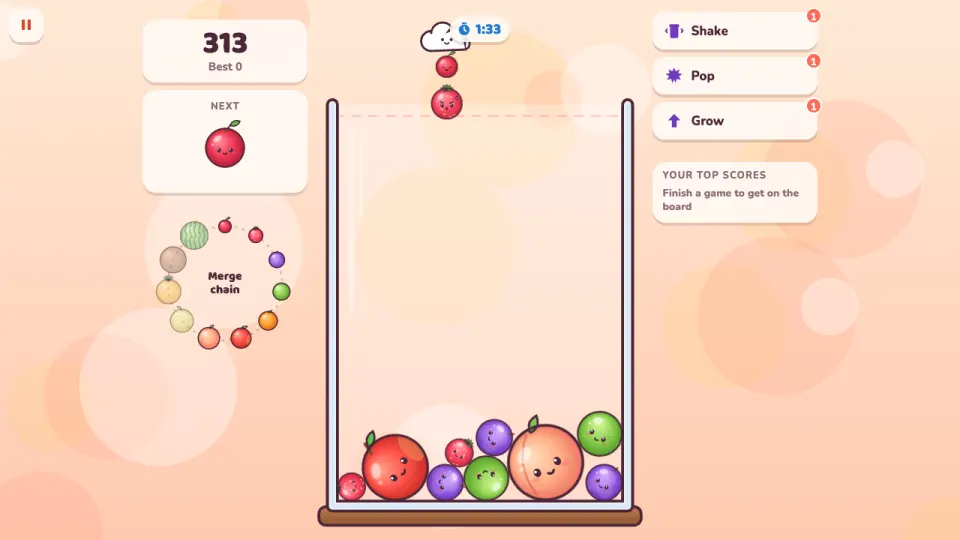
Fruit Merge is a merge and drop physics puzzle, free in your browser on computer and phone. Move the cloud along the top of a glass jar and drop the next fruit. When two of the same kind touch, they merge into the next size up: cherry, strawberry, grape, lime, orange, apple, peach, pear, pineapple, coconut and finally the giant melon. Merge two melons and they vanish for a big bonus.
The fruit roll, bounce and squash into each other, so every drop changes the pile. Merges that happen close together chain into combos worth up to three times the points. If any fruit stays above the dashed line for too long, the jar is full and the game is over.
Classic is the endless jar. Rush gives you two minutes and a faster dropper, Tall Jar is narrow and deep, and Daily brings the same seed for everyone with a twist such as moon gravity, a sloped bowl floor or giant drops. Coins buy power-ups and three more themes: Sweet Shop, Cuddle Zoo and Star Jar.
How to play Fruit Merge
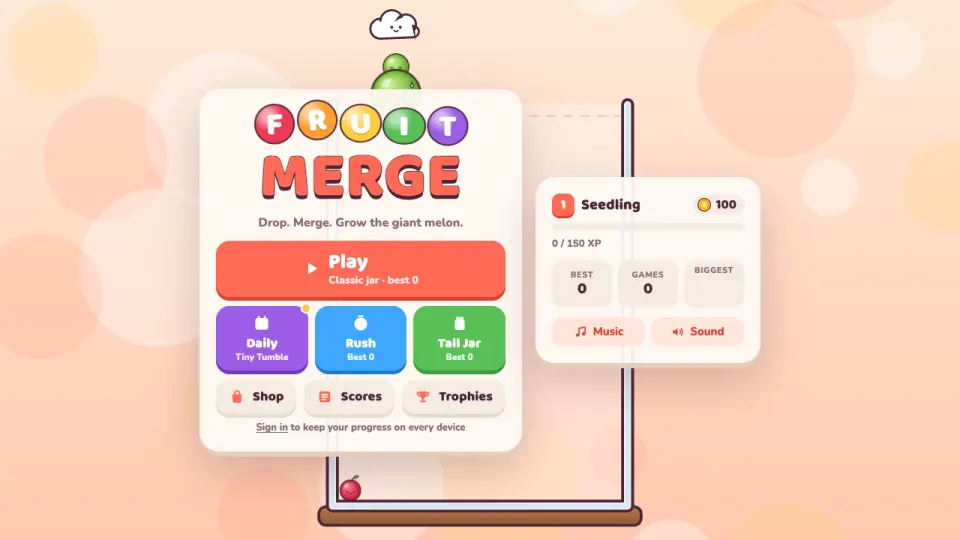
- Press Play for the Classic jar, or pick Daily, Rush or Tall Jar on the menu.
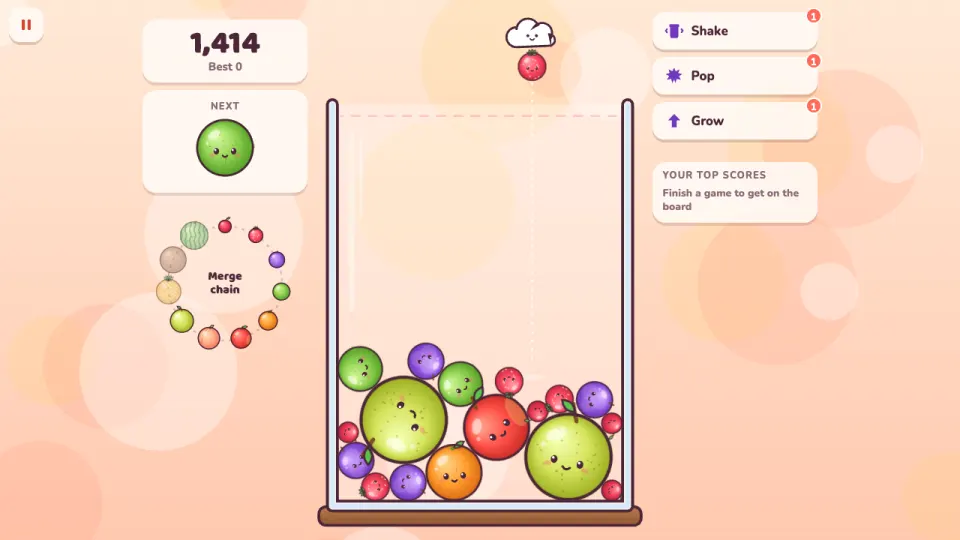
- Move the cloud left and right to aim. The Next box shows which fruit comes after this one.
- Drop the fruit. When two fruit of the same kind touch, they merge into the next size up.
- Keep merging up the chain shown beside the jar, all the way to the giant melon.
- Keep the fruit below the dashed line. If one stays above it for 2.5 seconds, the game ends. You can continue once, which clears the top of the jar.
Controls
- Computer
- Move the mouse to aim and click to drop. On the keyboard, Left and Right (or A and D) aim and Space, Down or Enter drops. 1, 2 and 3 use Shake, Pop and Grow; click a fruit after Pop or Grow. Esc or P pauses.
- Phone and tablet
- Drag your finger to aim and lift it to drop. Tap a power-up, then tap a fruit for Pop or Grow.
Features
- Eleven sizes of fruit to merge, from cherry to the giant melon, and a bonus for merging two melons
- Physics written for the game: fruit roll, stack and squash, and every fruit has a face
- Four modes: Classic, Rush (two minutes), Tall Jar and a Daily challenge with seven different twists
- Combos for merges in quick succession, up to three times the points
- Three power-ups: Shake the jar, Pop one fruit and Grow one fruit a size, up to two of each per game
- Four themes: Fruit Basket, Sweet Shop, Cuddle Zoo and Star Jar
- 16 trophies, player levels, a top-ten table and a best score for each mode
- Your game in progress is saved, so a reload carries on where you left off
Tips
- Keep the biggest fruit in one corner and build the chain next to it, smallest farthest away, so each merge lands beside the next size up.
- Only cherries to oranges are dropped. Everything bigger has to be made, so don't leave small fruit buried under big ones.
- Look at the Next box before you drop: if a match for the current fruit is coming, leave room for it.
- Merges a moment apart chain into combos, so a drop that sets off one merge into another scores far more.
- When the jar jams with a fruit stuck in the wrong place, Pop it or Shake the jar before it reaches the line.
- A new fruit isn't counted against the line straight away, so a drop onto a tall pile has a moment to settle.
Fruit Merge FAQ
Is Fruit Merge free?
Yes. Every mode is free in your browser, with nothing to download or install.
What is the biggest fruit in Fruit Merge?
The giant melon, after coconut. Two melons that touch vanish and give a 600-point bonus.
What is the order of the fruit?
Cherry, strawberry, grape, lime, orange, apple, peach, pear, pineapple, coconut and melon. The chain is shown beside the jar while you play.
When is the game over?
When any fruit stays above the dashed line for 2.5 seconds. You can continue once, and the top of the jar is cleared.
What is the Daily challenge?
A game with the same fruit for everyone that day and a twist, such as moon gravity, a wide tray or only tiny fruit. Playing on consecutive days builds a streak.
Does Fruit Merge work on my phone?
Yes. Drag to aim and lift your finger to drop. It plays on phones and tablets as well as computers.
How do I keep my progress on another device?
Sign in with a free 2xGames account. Your coins, themes, trophies, best scores and even the game in progress then follow you to every device.