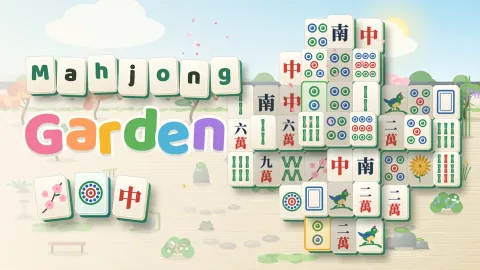
Mahjong Garden
Mahjong Garden
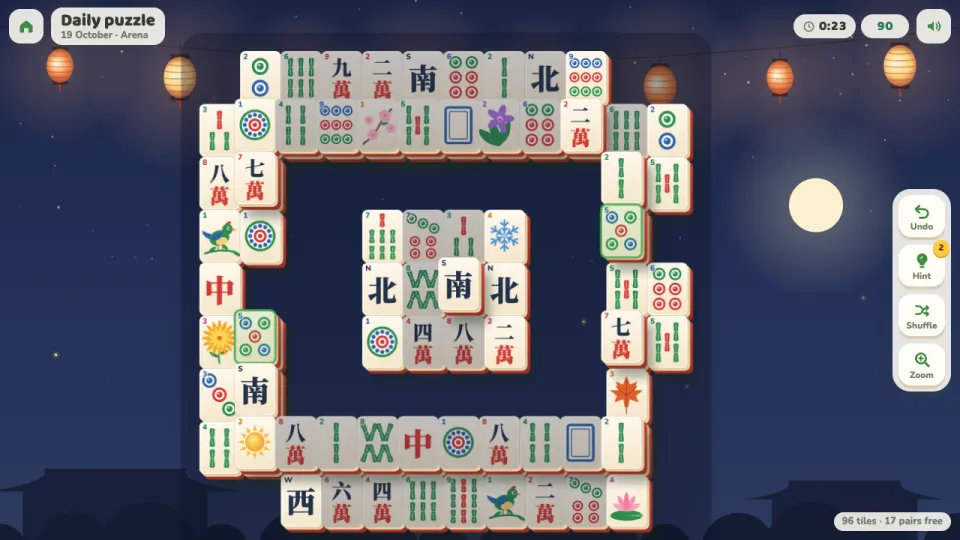
Mahjong Garden is a calm mahjong solitaire, free in your browser on computer, tablet and phone. Match pairs of identical free tiles until the board is clear. There's no time limit and no lives to lose: every deal can be cleared, undo is unlimited, and when you run out of moves the shuffle is free and keeps the board clearable.
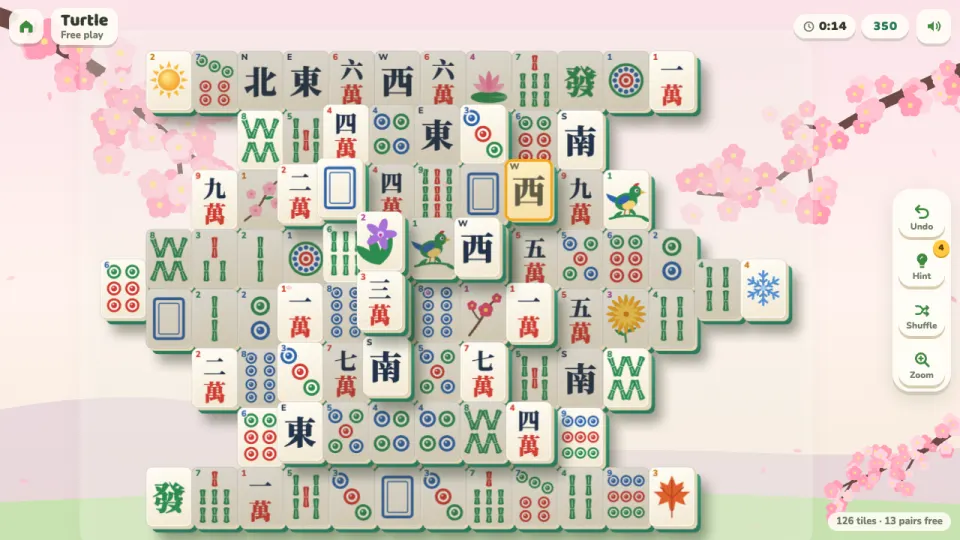
The levels walk through 36 layouts, from a 16-tile Pebble to the classic 144-tile Turtle, with shapes like the Pagoda, Moon Gate, Crane and Dragon in between. The first boards give every tile exactly one partner. Later on, more faces come four to a set, so the order of your matches starts to matter.
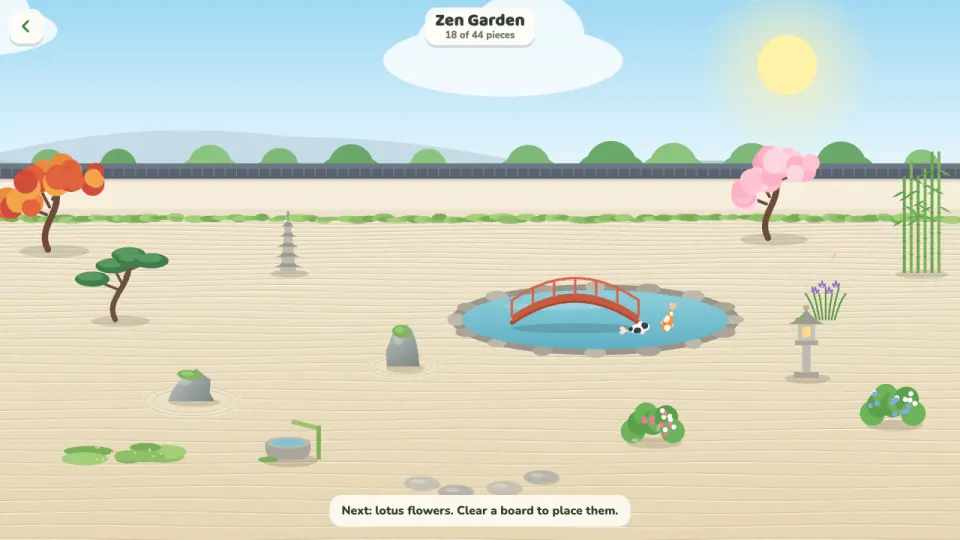
Every board you clear adds something to your zen garden: rocks, a koi pond, a bridge, lanterns and 40 more pieces. Clearing boards also unlocks the Koi Pond, Bamboo Grove, Cherry Blossom and Lantern Night scenes and four new tile sets. Come back each day for the daily puzzle and keep your streak going, or replay any layout you've reached in free play.
How to play Mahjong Garden
- Press Play to start the next level, Daily puzzle for today's board, or Layouts to pick any layout you've reached.
- Find two identical tiles that are free. A tile is free when nothing lies on top of it and its left or right side is open.
- Tap or click the first tile, then its match. Flowers match any flower and seasons match any season.
- Clear the tiles quickly one after another to build a combo worth more points.
- Stuck? Undo as often as you like, use a hint to see a pair from a real solution, or shuffle the tiles for free.
- Clear every tile to finish the board, earn up to three stars and grow your garden.
Controls
- Computer
- Click two matching free tiles. Scroll or press Zoom to make the tiles bigger, then drag to look around. Keys: H hint, U or Ctrl+Z undo, S shuffle, Z zoom, Esc back to the menu.
- Phone and tablet
- Tap two matching free tiles. Pinch or tap Zoom for bigger tiles and drag with one finger to look around. On tall screens the layout turns on its side when that makes the tiles bigger.
Features
- 36 hand-built layouts from the 16-tile Pebble to the 144-tile Turtle, then endless levels with new deals
- Every deal can be cleared, and the free shuffle always keeps the board clearable
- Unlimited undo, plus hints that show a pair from a real solution
- A daily puzzle, the same board for everyone, with a day streak
- A zen garden that grows with 44 pieces as you clear boards
- Five scenes and five tile sets: Zen Garden, Koi Pond, Bamboo Grove, Cherry Blossom and Lantern Night, with Ivory, Jade, Bamboo, Sakura and Lantern tiles
- Scoring with combos for quick matches, a time bonus and up to three stars per level
- Settings for high-contrast tiles, large tiles, shaded blocked tiles and corner numbers
Tips
- Work from the top and the ends. Tiles on tall stacks and at the long ends of rows hold the most tiles beneath and beside them.
- When all four tiles of a face are free, take both pairs. Then it no longer matters which tile goes with which.
- Never leave the last two tiles of a face stacked one on top of the other: the lower one can't be reached while the upper one waits for it.
- Make matches within four seconds of each other to build a combo of up to x5. Five quick matches in a row also earn a free hint.
- Hints are limited, but you get one back for each board you clear. Undo and shuffle are always free, so try those first.
- Blocked tiles are shaded by default, so the bright ones are the tiles you can take. Large tiles and high-contrast faces are in the settings if the tiles feel small.
Mahjong Garden FAQ
Is Mahjong Garden free?
Yes. Every level, layout, the daily puzzle and the garden are free, in your browser, with nothing to download.
How do you play mahjong solitaire?
Match pairs of identical tiles that are free, meaning nothing is on top of them and their left or right side is open. Clear all the tiles to win.
Which tiles can I match?
Two tiles with the same face. The flower tiles match any other flower, and the season tiles match any other season.
Can every board be solved?
Yes. Every deal is built so it can be cleared, and if you get stuck the free shuffle deals the remaining tiles again in a way that can still be cleared.
Is there a time limit?
No. You can take as long as you like. Finishing faster only adds a time bonus to your score and more stars.
Does it work on my phone?
Yes. Mahjong Garden works on phones and tablets as well as computers. Pinch to zoom in on the tiles and drag to look around.
How do I keep my progress on another device?
Sign in with a free 2xGames account. Your levels, hints, garden, daily streak and themes then follow you to every device.