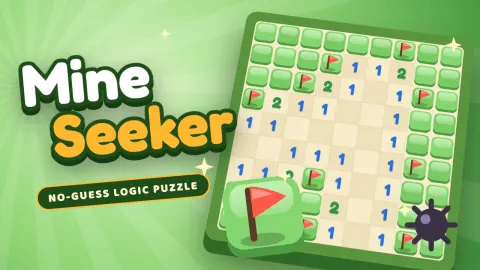
Mine Seeker
Mine Seeker
Mine Seeker is the classic mine-finding logic puzzle with a friendly look, free in your browser on computer, tablet and phone. Dig a covered cell and a number tells you how many of its eight neighbours hide a mine. Flag the mines, open every safe cell, and the field is cleared.
No-guess boards are on by default. Our solver plays every board from your first dig to the end before you see it, so each one can be cleared by logic alone and you never have to gamble on a coin flip. Your first dig is always safe and always opens an area. Prefer the old way? Switch to classic random boards in the menu.
Pick Beginner (9 × 9, 10 mines), Intermediate (16 × 16, 40), Expert (30 × 16, 99) or build a custom board up to 40 × 30. Come back each day for the daily board, the same for every player, and keep your streak going. Clearing boards earns XP and seeker levels, which unlock seven themes from Meadow and Seaside to Starry Night and Gold Rush.
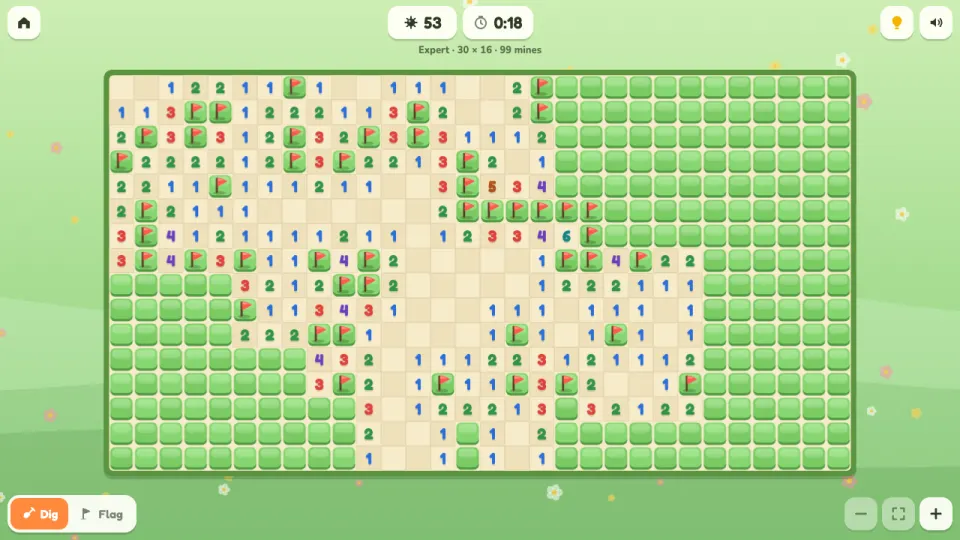
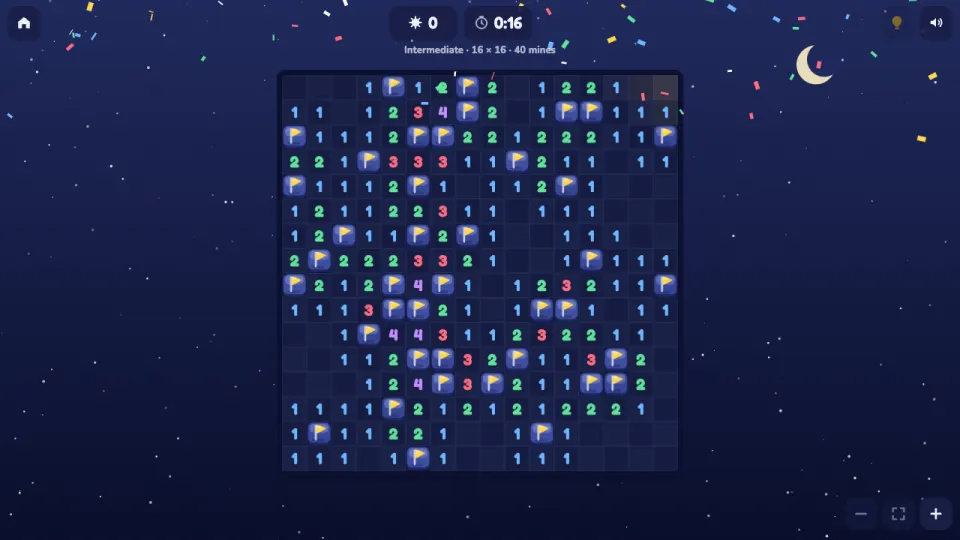
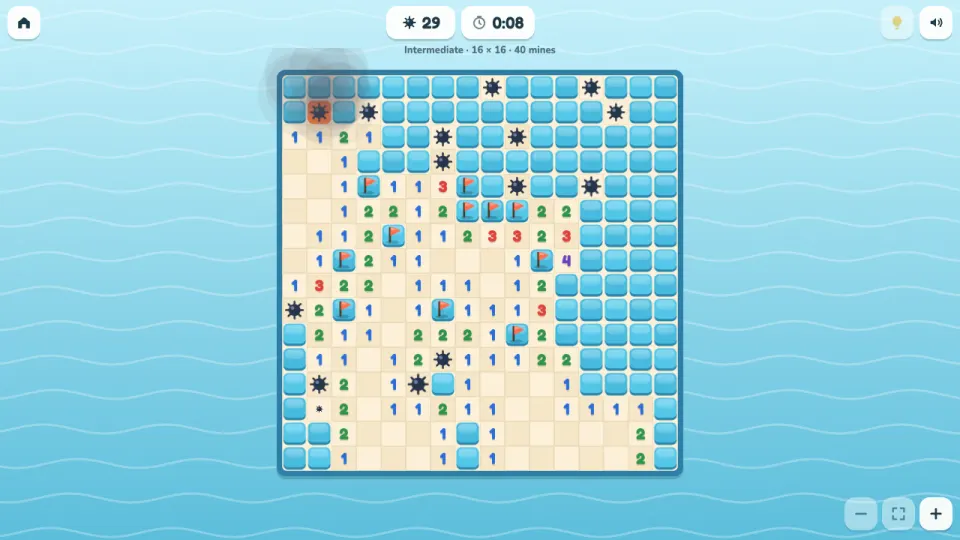
How to play Mine Seeker
- Choose a level from the menu, or press Daily board for today's board.
- Dig any covered cell to start. The first dig is always safe and opens an area of numbers.
- Each number shows how many mines touch that cell, counting the corners. Use the numbers to work out which covered cells are mines.
- Flag the cells you know are mines. On a phone, hold a cell to flag it, or switch the Dig / Flag button.
- Dig a number that already has all its flags around it to open its other neighbours at once (chording).
- Open every safe cell to clear the field. Your time is saved as a best time for that level.
Controls
- Computer
- Left click digs, right click flags. Click a number that has all its flags to open its other neighbours. Scroll to zoom and drag to move a zoomed board. Keys: arrows move, Space or Enter digs, F flags, H hint, + and - zoom, N new board, Esc menu.
- Phone and tablet
- Tap to dig and hold a cell to plant a flag, or switch the Dig / Flag button to swap them. Tap a number to chord. Pinch or use the zoom buttons for bigger cells, and drag with one finger to move around. Wide boards turn on their side on a portrait screen.
Features
- Four board sizes: Beginner 9 × 9 with 10 mines, Intermediate 16 × 16 with 40, Expert 30 × 16 with 99, and Custom up to 40 × 30
- No-guess mode on by default: every board is checked by our solver and can be cleared by logic from the first dig
- A first dig that is always safe and always opens an area, in no-guess and classic mode alike
- A daily board, the same for every player, with a day streak and a list of your best daily times
- Hints that open a cell logic proves safe, and a take-back after hitting a mine, each adding 10 seconds to your time
- Best times and win streaks for every level, XP and seeker levels
- Seven themes to unlock: Meadow, Seaside, Candy Shop, Autumn Woods, Frost, Starry Night and Gold Rush
- Flags, chording, zoom and pan, and a game in progress that is kept if you leave
Tips
- Look for a 1-2-1 along a straight edge of covered cells: the mines sit under both 1s and the cell under the 2 is safe.
- When a number already has as many flags around it as its value, chord it. Opening several cells at once is the fastest way to lower your time.
- Compare neighbouring numbers. If a 1 and a 2 share all but one covered cell, the extra mine of the 2 must be in the cell only it touches.
- Near the end, watch the mine counter. When the numbers can't decide between two places, the number of mines left often can.
- Each hint costs 10 seconds. Before you use one, check the edges of the opened area again: on a no-guess board there is always a cell that logic can settle.
- Lost to a mine? Take back the move for 10 seconds instead of starting over, or press Same board to try the whole board again.
Mine Seeker FAQ
Is Mine Seeker free?
Yes. Every level, the custom boards, the daily board and all the themes are free in your browser, with nothing to download.
What does no-guess mean?
Every board is played through by our solver before you get it, so it can be cleared by logic alone from your first dig. You never have to guess between two equally likely cells.
What do the numbers mean?
A number shows how many mines are in the eight cells around it, including the diagonal corners. An open cell with no number has no mines around it, so its neighbours open by themselves.
Can my first click hit a mine?
No. The mines are laid after your first dig, never on that cell or its neighbours, so the first dig always opens an area.
What is chording?
When a number already has all its mines flagged, click or tap that number to open all its other neighbours in one go. If one of your flags is wrong, the chord will hit a mine.
Does it work on my phone?
Yes. Tap to dig, hold to flag, and pinch to zoom. Big boards like Expert turn on their side on a portrait screen so the cells are larger.
How do I keep my progress on another device?
Sign in with a free 2xGames account. Your XP, best times, daily streak and themes then follow you to every device.