Go Club
Go Club
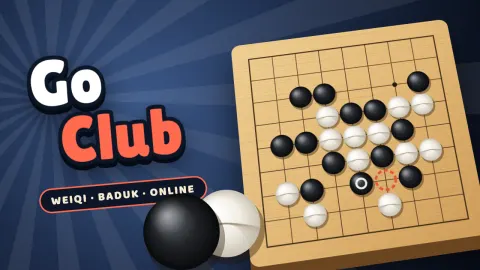
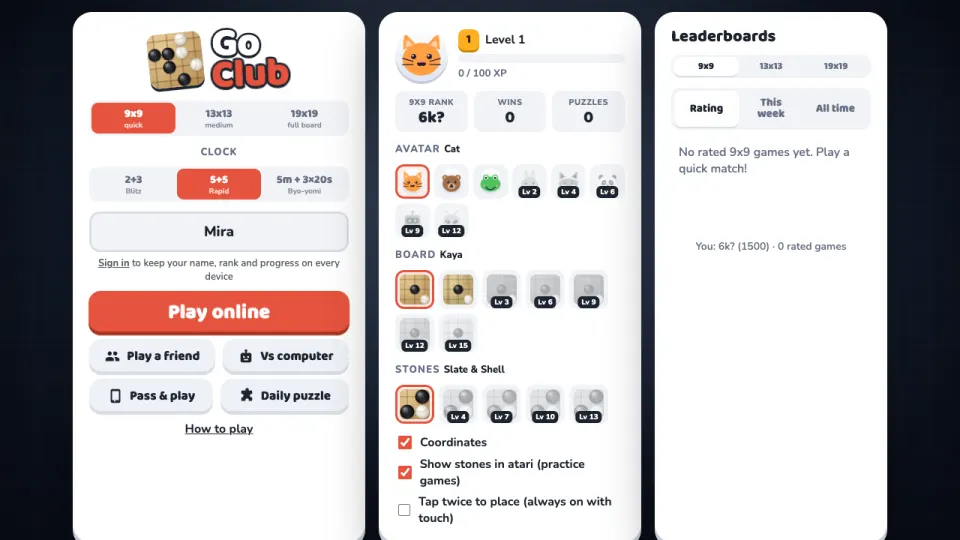
Go Club is the board game Go, also called weiqi and baduk, free in your browser on computer, tablet and phone. Pick a board size and a clock and Quick match pairs you with a player near your rank. If nobody is around, a bot steps in after a few seconds, always clearly marked BOT.
Play on a quick 9x9 board, a 13x13 board or the full 19x19. Take on the computer at eight levels, from Pebble, which plays like someone in their first games, to Sage, with handicap stones and undo while you learn. Or play a friend with an invite link, or pass one device back and forth.
New to Go? How to play walks you through stones, liberties, captures, ko and two eyes in a few pictures. Every game earns XP that unlocks new boards, stones and avatars, ratings are shown as kyu and dan ranks, and a new life-and-death puzzle waits every day.
How to play Go Club
- Choose a board size (9x9, 13x13 or 19x19) and a clock, then press Play online, Play a friend, Vs computer or Pass & play.
- Take turns placing a stone on an empty point where the lines cross. Black moves first, and stones never move once placed.
- Capture stones by filling their last liberty, the empty points right next to them. A group with two separate eyes can never be captured.
- Surround as much of the board as you can. When there is nothing left worth playing, pass; two passes in a row end the game.
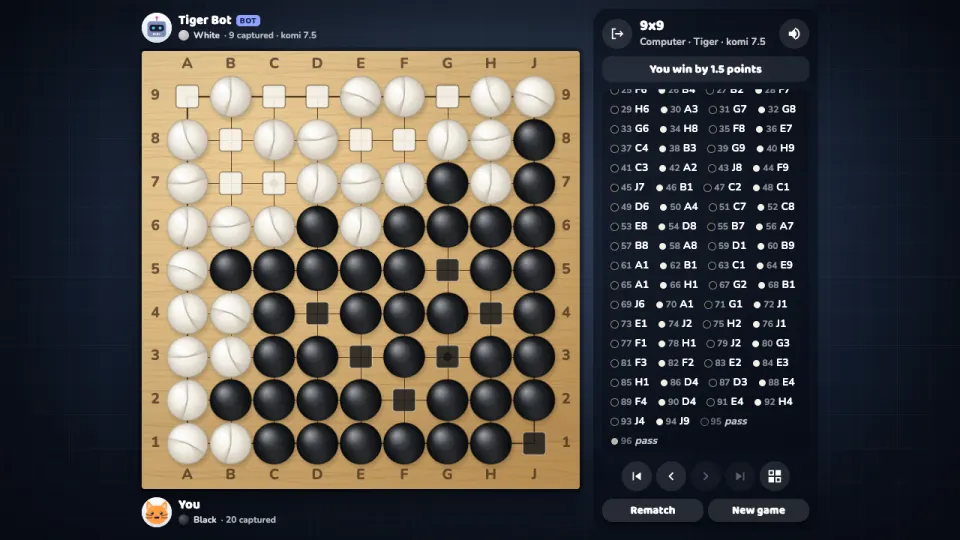
- Agree on which stones are dead (the server proposes a marking, tap a group to change it) and press Accept. Your stones plus the empty points you surround are your score, and White gets 7.5 points of komi.
Controls
- Computer
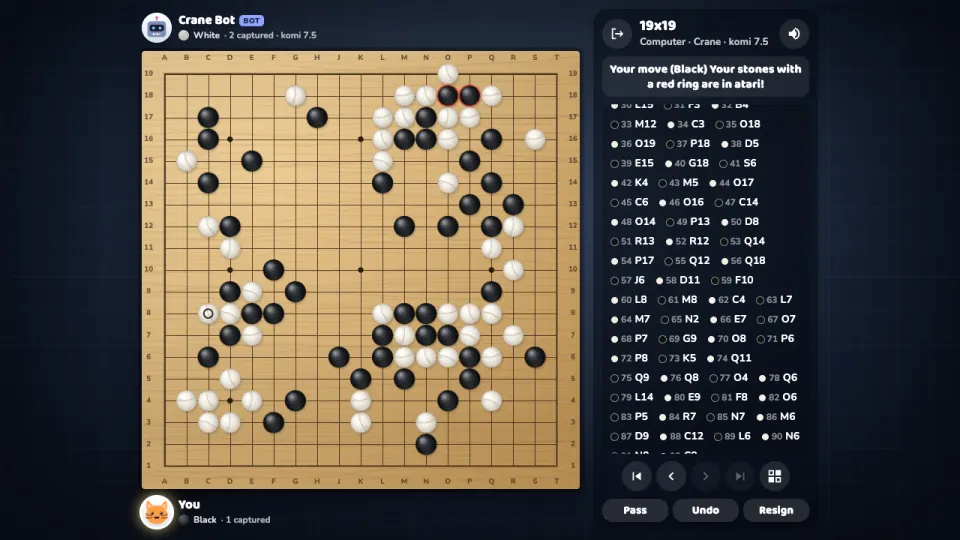
- Click a point to place a stone (a faint stone shows where it will go). Pass and Resign are under the board and ask for a second click. Use the arrows to look back through the game, and the squares button (or T) to show the territory in practice games.
- Phone and tablet
- Tap a point to see your stone there with lines along its row and column, then tap it again or press Place stone. This keeps fingers from putting stones in the wrong place, even on 19x19.
Features
- 9x9, 13x13 and 19x19 boards with every rule: captures, ko, positional superko and no suicide
- Area scoring with komi 7.5 (6.5 in friend games if you like), and a server that proposes the dead stones at the end
- Rated quick matches per board size, shown as kyu and dan ranks, with weekly and all-time leaderboards
- Eight computer levels from Pebble to Sage, using a Monte Carlo search engine of our own, with handicap stones and undo
- Fischer and byo-yomi clocks suited to each board size, or no clock in practice games
- A new life-and-death puzzle every day, each with exactly one correct first move checked by our solver
- Friend games by invite link, pass & play on one device, and a territory view in practice games
- XP and levels that unlock new boards, stones and avatars
Tips
- Start in the corners: two edges help you surround territory, so corners are worth more than the middle early on.
- Count liberties before you fight. The group with more liberties usually wins a race to capture.
- Against the computer, the red ring shows your stones in atari (one liberty left). Save them by extending, or let them go if they are not worth it.
- Losing every game? Take two or three handicap stones against the computer, then remove one each time you win.
- Don't fill your own territory: under area scoring it costs nothing, but it wastes moves you need elsewhere.
- Stuck on the daily puzzle? The first hint lights up the points around the answer. The key move is usually the point both sides want, the shared vital point of the eye space.
Go Club FAQ
Is Go Club free?
Yes. Every board size, game mode and puzzle is free, in your browser, with nothing to download.
Can I play Go against the computer?
Yes. Choose Vs computer and pick one of eight levels, from Pebble for complete beginners to Sage. You can take handicap stones and undo moves.
How do I play Go with a friend online?
Press Play a friend, choose the clock, komi and your colour, and send your friend the invite link. The game starts as soon as they open it.
How is the game scored?
Go Club uses area scoring: your stones on the board plus the empty points only you surround, after dead stones are removed. White adds komi (7.5 points) for moving second, and the higher total wins.
What happens when both players pass?
The game ends and the server marks the stones it thinks are dead. Both players can tap a group to change the marking, then press Accept. If you disagree, choose Play on and settle it on the board.
What is a ko?
When a stone captures a single stone and could be captured straight back the same way, the other player must play somewhere else first. In Go Club no move may repeat an earlier board position.
Does it work on my phone?
Yes. Go Club runs in the browser on phones and tablets as well as computers, in portrait and landscape, and you confirm each stone with a second tap.
How do I keep my rank and progress on another device?
Sign in with a free 2xGames account. Your username, rank, XP and unlocked items then follow you to every device.
More games like this