Checkmate Club
Checkmate Club
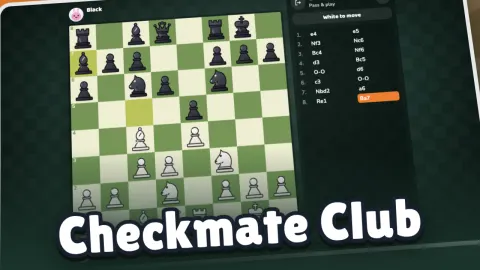
Checkmate Club is chess, free in your browser on computer, tablet and phone. Pick a clock and Quick match pairs you with a player near your rating. If nobody is around, a bot steps in after a few seconds, always clearly marked BOT.
Want a calmer game? Play the computer at eight levels, from Beginner to Grandmaster, play a friend with an invite link, or pass one device back and forth. Every rule is in, from castling and en passant to promotion and every draw rule.
Every game earns XP. Level up to unlock new boards, chess sets and avatars, climb the weekly and all-time leaderboards, and come back each day for a new checkmate puzzle.
How to play Checkmate Club
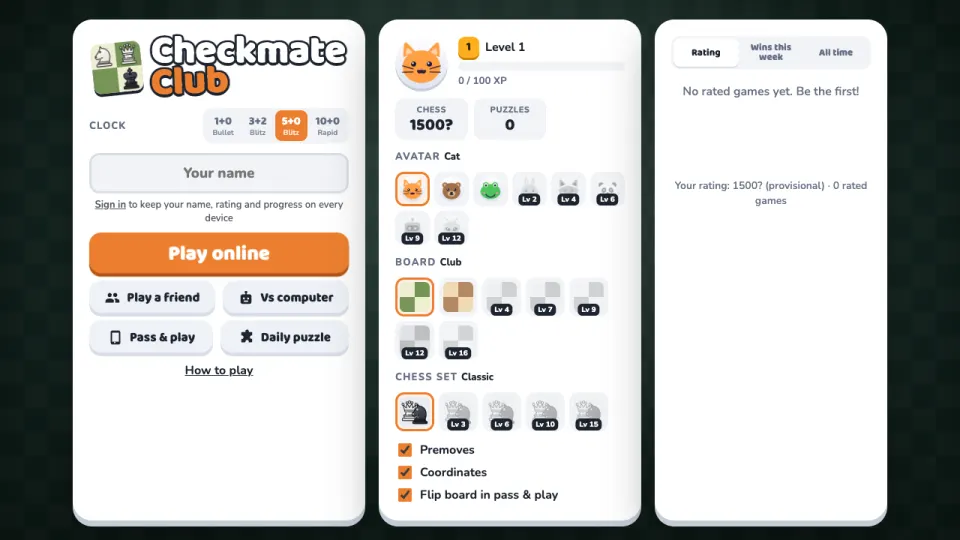
- Choose a clock: 1+0 bullet, 3+2 or 5+0 blitz, or 10+0 rapid.
- Press Play online for a rated game against someone near your rating, Play a friend for an invite link, Vs computer for a game against the engine, or Pass & play for two people on one device.
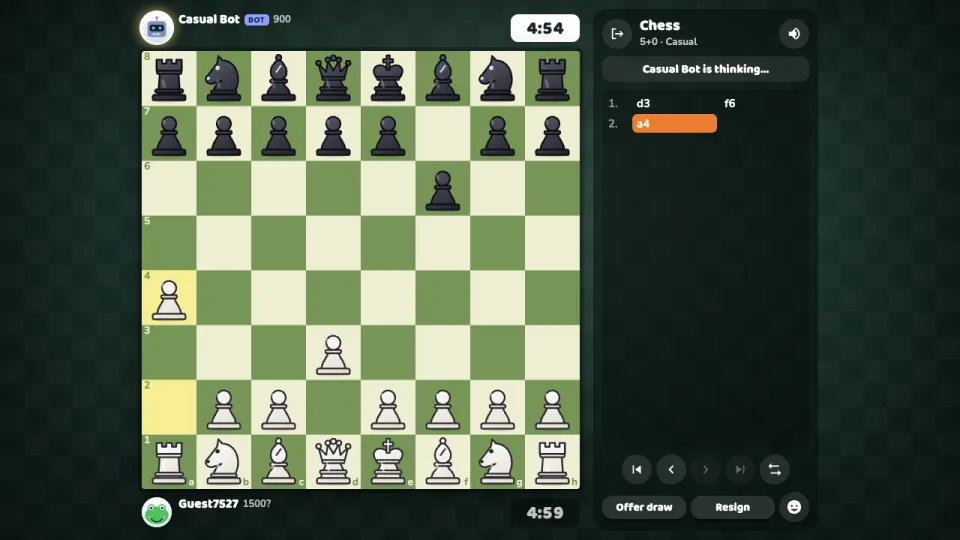
- Move a piece by dragging it, or click it and then click a highlighted square. Dots show every legal move.
- Checkmate the enemy king to win: attack it so that it has no way to escape.
- New to chess? Open How to play on the menu for a short lesson on every piece.
Controls
- Computer
- Drag a piece with the mouse, or click it and then click where it should go. Use the arrows under the move list to look back through the game.
- Phone and tablet
- Tap a piece, then tap a highlighted square, or drag it with your finger. The board fits the screen in portrait and landscape.
Features
- Every rule of chess: castling, en passant, promotion with a piece picker, check, checkmate, stalemate and all draw rules
- Rated quick matches with a chess rating, plus weekly and all-time leaderboards
- Eight computer levels from Beginner to Grandmaster, with a chess engine of our own
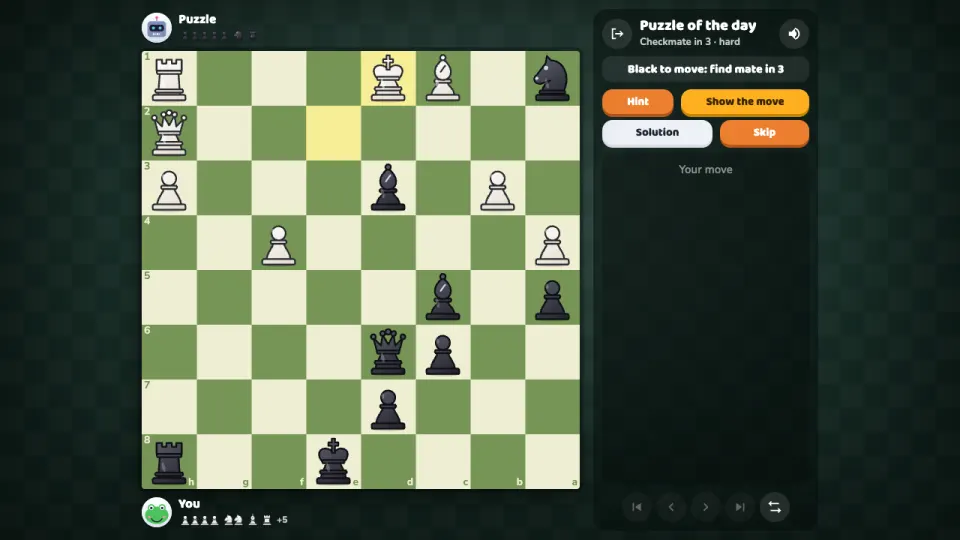
- A new checkmate puzzle every day (mate in one to three), with the archive of past puzzles
- Friend games by invite link, with the clock and colour you choose, takebacks and draw offers
- Premoves for fast games, and pass & play on one device
- XP and levels that unlock new boards, chess sets and avatars
Tips
- Turn on premoves in the settings: in fast chess games your planned move is played the moment it's your turn.
- Your rating shows a question mark until you have played about ten rated games. Results move it faster until then.
- Losing to the computer? Drop a level. Its mistakes are human ones, like missing a threat two moves deep, so you can learn from them.
- Castle early: it tucks your king away from the centre and brings a rook into the game in one move.
- Stuck on the daily puzzle? A hint shows which piece to move first.
Checkmate Club FAQ
Is Checkmate Club free?
Yes. Every game, mode and puzzle is free, in your browser, with nothing to download or install.
Can I play chess against the computer?
Yes. Choose Vs computer and pick one of eight levels, from Beginner to Grandmaster.
How do I play chess with a friend online?
Press Play a friend, choose your clock and colour, and send your friend the invite link. The game starts as soon as they open it.
Is there a checkers game too?
Yes. Draughts Club, our draughts and checkers game, has the same online play, computer levels and friend games, with English, International and Brazilian rules.
Are online games rated?
Quick-match games between two people are rated. Games against bots, friends and the computer are not.
Does it work on my phone?
Yes. Checkmate Club runs in the browser on phones and tablets as well as computers, and the board fits the screen.
How do I keep my rating and progress on another device?
Sign in with a free 2xGames account. Your username, rating, XP and unlocked items then follow you to every device.
More games like this