Domino Dock
Domino Dock
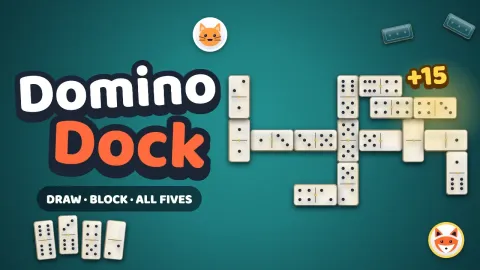
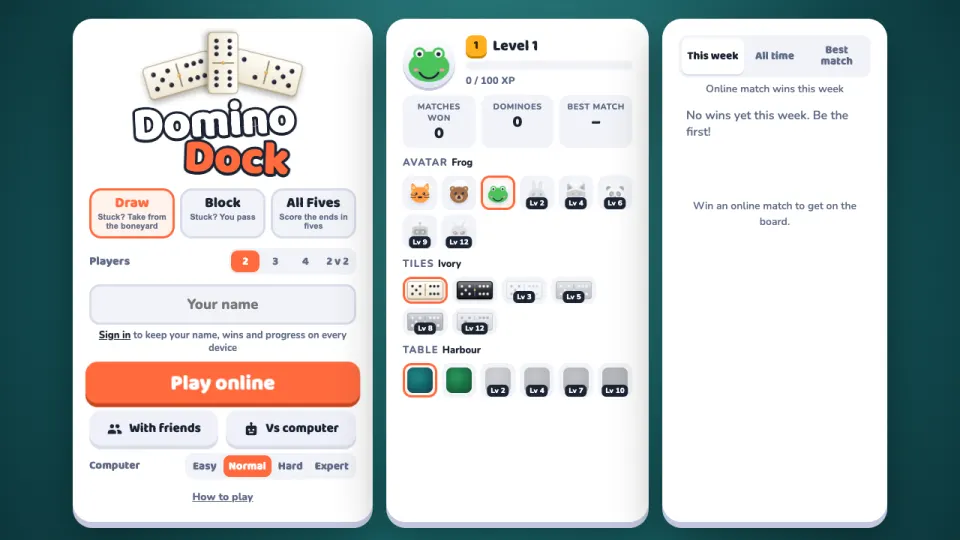
Domino Dock is classic dominoes with a double-six set, free in your browser on computer, tablet and phone. Choose Draw, Block or All Fives, pick a table for 2, 3 or 4 players or 2 v 2 teams, and press Play online. You sit down with whoever is waiting for the same game, and computer players, clearly marked BOT, fill any empty seats after a few seconds.
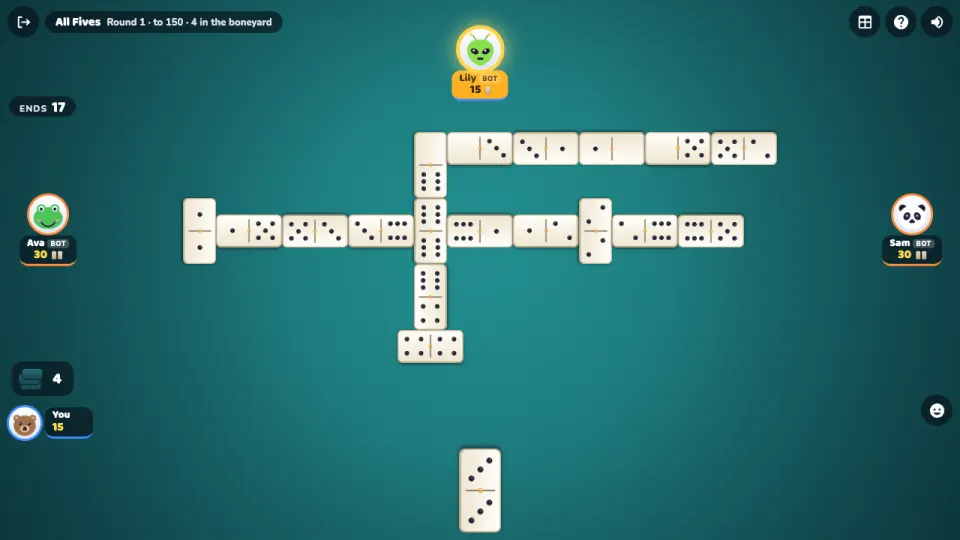
Draw lets you take from the boneyard when nothing fits; in Block you simply pass. All Fives adds scoring as you play: whenever the open ends add up to a multiple of five, you score that many points, and an opening double becomes a spinner with four ends.
Practice against the computer at four levels, from Easy to an Expert that counts tiles, or open a private table with friends where the host sets the game, the table size, teams, the target score and the computer players' level. Matches won climb the weekly and all-time leaderboards, and XP unlocks new tiles, tables and avatars.
How to play Domino Dock
- Pick a game on the menu (Draw, Block or All Fives) and the number of players: 2, 3, 4 or 2 v 2.
- Press Play online, With friends for a private table and invite link, or Vs computer to practise against bots at the level you choose.
- Each player gets 7 tiles (5 with three or four players). The highest double opens the first round.
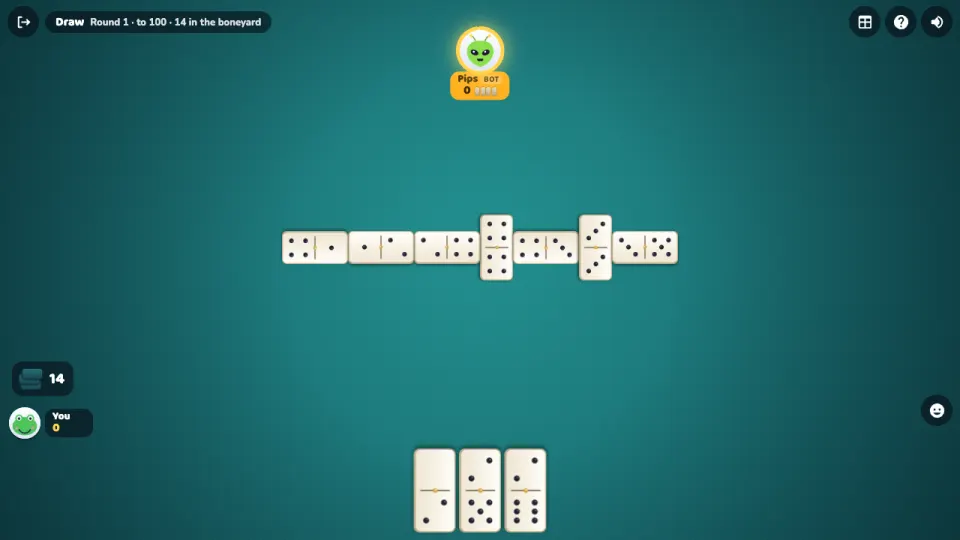
- On your turn, tap a glowing tile that matches an open end of the line, then tap where it goes. If nothing fits, draw from the boneyard in Draw, or pass in Block.
- Play your last tile to go domino and score the pips left in your opponents' hands. If nobody can play, the fewest pips wins the round.
- The first to 100 points wins the match (150 in All Fives). In 2 v 2, partners sit opposite and score together.
Controls
- Computer
- Click a glowing tile in your hand, then click the spot on the line where it goes. Click the boneyard or press D to draw. S opens the score sheet, H the rules, Esc closes them, M mutes, and keys 1-6 send emotes.
- Phone and tablet
- Tap a glowing tile, then tap where it goes on the line. Tap the boneyard to draw, and use the buttons at the top for the score sheet and rules.
Features
- Three ways to play: Draw, Block and All Fives, with a double-six set of 28 tiles
- Tables for 2, 3 or 4 players, and 2 v 2 teams with partners sitting opposite
- Online quick matches, with computer players taking empty seats after a few seconds
- Private tables with friends by invite link, where the host picks the game, table size, teams, a target from 50 to 250 and the bots' level
- Four computer levels: Easy, Normal, Hard and an Expert that counts tiles
- Spinners in All Fives: an opening double opens up and down once both its sides are covered
- Weekly and all-time leaderboards for match wins, plus a board for the best match
- XP and levels that unlock six tile sets, six tables and eight avatars
Tips
- Shed your heavy tiles early. If the round is blocked, the fewest pips wins, and going out scores what's left in everyone else's hands.
- In All Fives, check the ends total before you play. A double at an end counts both halves, so a 5-5 or 6-6 on the end can turn a small total into a scoring one.
- In Block, notice what your opponents pass on. Leaving those numbers at the ends can keep them stuck.
- Keep a spread of numbers in your hand so you are less likely to be shut out or forced to draw.
- In 2 v 2, your partner scores with you. Leaving an end your partner can play on is often worth more than a small score of your own.
- The Expert bot keeps track of which numbers each player has passed on, so a pass tells it as much as it tells you.
Domino Dock FAQ
Is Domino Dock free?
Yes. All three games and every mode are free in your browser, with nothing to download or install.
Can I play dominoes with friends online?
Yes. Press With friends to open a private table and share the invite link. As host you choose the game, the number of players, teams and the target score, and bots can fill any empty seats.
Can I play dominoes against the computer?
Yes. Vs computer starts a practice match against bots at Easy, Normal, Hard or Expert level, for any game and table size.
What is the difference between Draw and Block dominoes?
In Draw, a player who can't play takes tiles from the boneyard until one fits. In Block there is no drawing: if nothing fits, you pass.
How does All Fives scoring work?
After every tile, the open ends are added up. If the total is a multiple of five, the player who laid the tile scores that many points. First to 150 wins, even in the middle of a round.
Who goes first in dominoes?
In the first round, the player with the highest double opens. After that, the winner of the last round leads with any tile.
Does it work on my phone?
Yes. Domino Dock runs in the browser on phones and tablets as well as computers. Tap a tile, then tap where it goes.
How do I keep my progress on another device?
Sign in with a free 2xGames account. Your name, XP, unlocked tiles and tables, and your leaderboard wins then follow you to every device.
More games like this